AION
ProductPricingSkillsDocsAboutSecurity
Sign inStart free
Sign inStart free
NewAgent skills and MCP connections in every Space

Your project, team and agents — in one workspace.

Tasks, boards, documents, chat and calendar share one context. Agents pick up the work, run it and hand the result back for review — with the full trail behind it.

Try AION →Pricing
  • GitHub
  • Model Context Protocol
  • OpenAI
  • Anthropic
  • OpenRouter
  • Ollama
  • LM Studio
  • Hugging Face
  • Telegram
  • Excalidraw
  • Next.js
  • React
  • TypeScript
  • Node.js
  • Fastify
  • MongoDB
  • Electron
  • Swift
  • GitHub
  • Model Context Protocol
  • OpenAI
  • Anthropic
  • OpenRouter
  • Ollama
  • LM Studio
  • Hugging Face
  • Telegram
  • Excalidraw
  • Next.js
  • React
  • TypeScript
  • Node.js
  • Fastify
  • MongoDB
  • Electron
  • Swift
CAPABILITIES

Everything a team with agents needs — in one stack

No more gluing together a chat, a tracker, a wiki and a dozen AI tabs. In AION they are already connected: the agent sees the task, the documents and the agreements, and acts within its permissions.

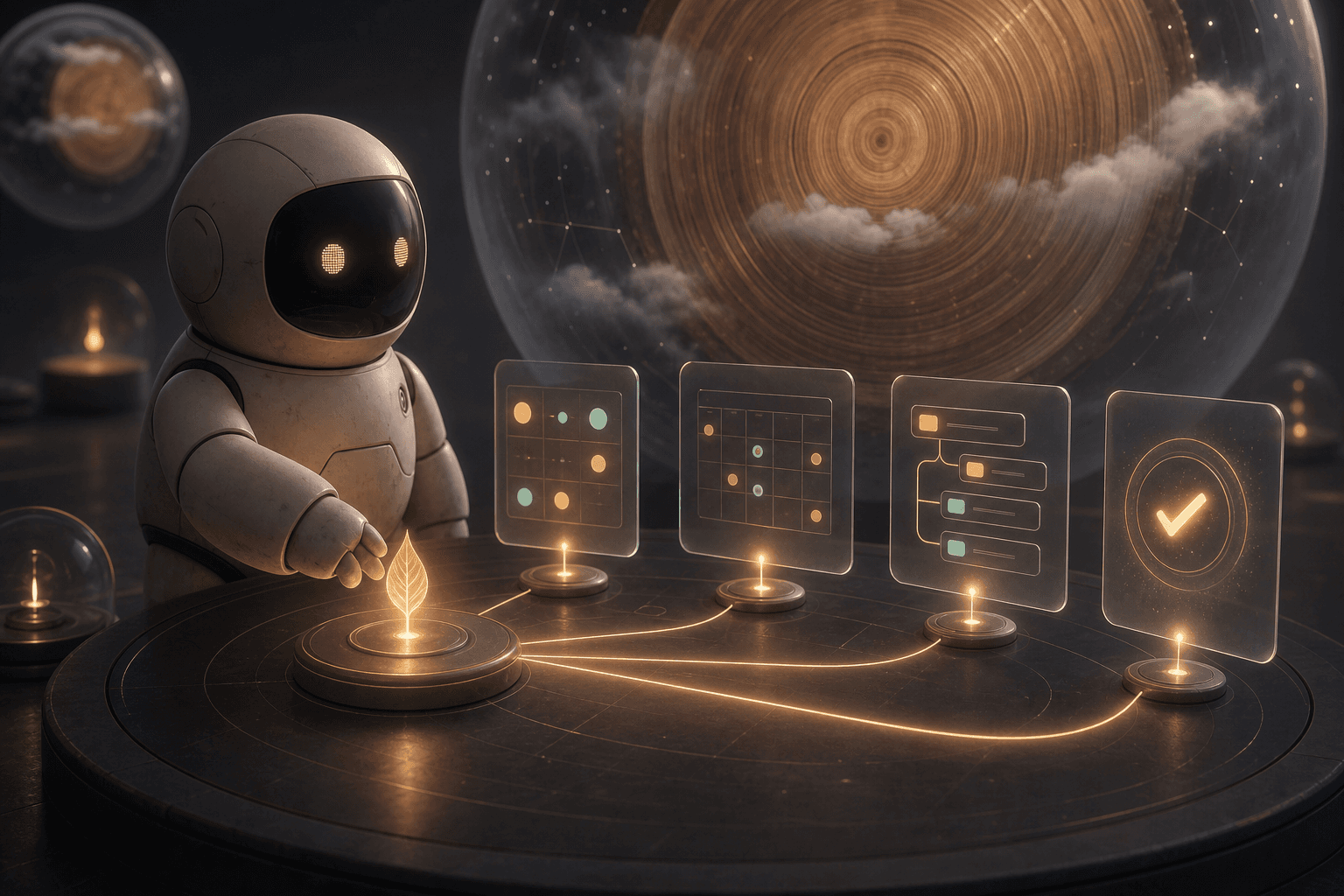
The AION robot organizing a project seed into tasks, a calendar, subtasks, and a verified result
Projects and tasks01

From an idea to a verified result, in one working context.

  • checkOne Space for every project
  • checkKanban, list, and calendar over the same data
  • checkSubtasks, participants, files, reports, and status history
Full description north_east
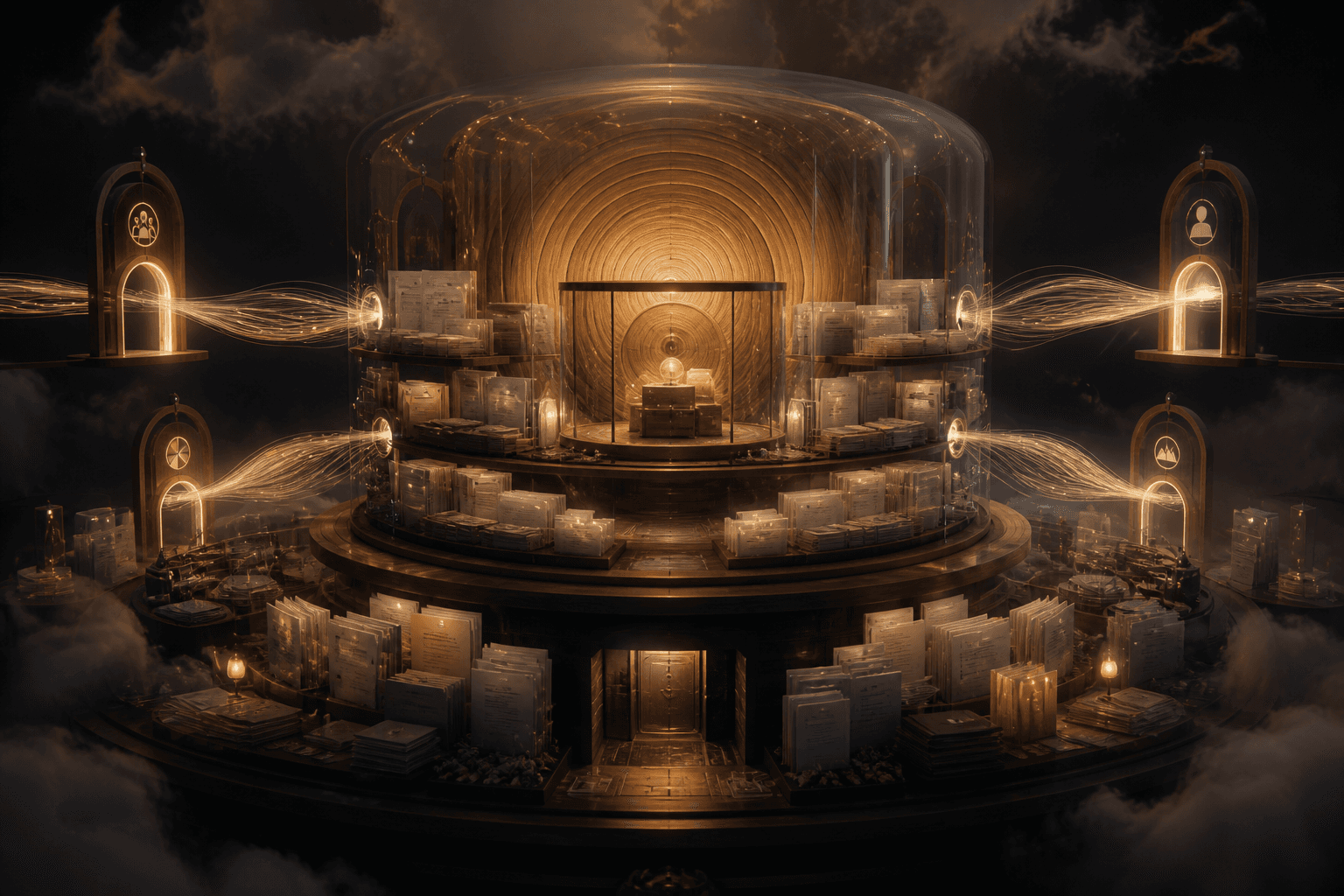
A protected AION knowledge archive with shared document layers, role gates, and a private inner vault
Team and knowledge02

People, roles, and files share one protected Space.

  • checkEmail invitations and member management
  • checkOwner, admin, developer, member, and viewer roles
  • checkFolders, documents, links, uploads, and a private layer
Full description north_east
The AION robot comparing structured source code with a live preview and a verified execution trace
Code and agents03

Read, run, and verify code beside the task.

  • checkEditor and live preview for supported code
  • checkPersonal and project agents
  • checkLinks to files, tasks, reports, and GitHub
Full description north_east
A controlled AION workflow moving through isolated stages and stopping at a human approval gate
Flows and control04

Automate what repeats. Pause what carries risk.

  • checkConfigurable workflows and run history
  • checkTool policy for read, write, and privileged actions
  • checkApproval center backed by server-side decisions
Full description north_east
HOW IT WORKS

From a task to a verified result

AION preserves the connection between people, data, and execution at every stage.

1

Create the working context

The organization owns policy. A Space connects the project, team, knowledge, and integrations.

/cabinet/organizations
2

Define the work

Tasks receive owners, dates, subtasks, attachments, and outcome criteria.

/cabinet/board
3

Connect an agent

Choose its skills, model, project memory, and permitted tools.

/cabinet/assistant
4

Verify and accept

The run preserves events and results, while risky steps wait for approval.

/cabinet/workflows
PLATFORM

Every part of the work has its place

Modules that know about each other: a task sees its discussion, an agent sees the documents, a workflow sees its MCP tools.

Discussions with agentsExample

Mention an agent in a conversation — it reads the context it is allowed to see, calls tools and reports back in the thread.

  1. personYou @Project agent summarise the brief in Docs and propose subtasks
  2. smart_toyProject agent Read 3 documents and proposed 4 subtasks. Waiting for your approval.
  3. personYou Approved
  4. smart_toyProject agent Created 4 subtasks and linked the sources.

Progress and deadlinesExample

Task status, stages and due dates across the whole Space.

Documents and memoryExample

Folders, Markdown, PDF and links — and knowledge that agents read before answering.

Brief.mdResearch.pdf
DocumentsShared
Notes.mdDecisions.md
PrivateOnly you

MCP connections

Connect remote MCP servers by URL or pick one from the verified catalog.

  • DeepWiki
  • Context7
  • Microsoft Learn
  • GitHub
  • Hugging Face
  • Stripe
6 verified servers in the catalog · DeepWiki · Context7 · Microsoft Learn · GitHub · Hugging Face · Stripe

Permissions and controlExample

Roles, tool policy and human approval for sensitive agent actions.

  • Agents read project tasks
  • Ask before writing
  • Privileged actions

Agent workflows

Triggered by a schedule, an event or a manual run: context from tasks, files and MCP → agent → action, with the full run history.

  1. TRIGGERSchedule or event
  2. CONTEXTTasks, files, MCP
  3. AGENTProject agent
  4. ACTIONReport after approval
AGENTS

Each one has a role

Agents in AION are configured, not invented: you choose the model, the skills and the tools each one may use.

personPersonal agentYour own assistant

Works only with your private knowledge, your tasks and your profile. It never sees other people's projects.

Plan my day from my tasks
folder_sharedProject agentInside a Space

Uses the files, tasks, knowledge and GitHub context that the Space allows, and stores every run with its events.

Summarise the docs in this Space
account_treeWorkflowRepeatable work

Runs a sequence of steps on a trigger, with a tool policy and a pause for approval where it matters.

Trigger · steps · approval
computerDesktop runnerOn your Mac

Runs local models through Ollama or LM Studio and paired jobs on your computer, with folder grants you approve.

Local model · paired device
SKILLS

Ready-made skills that make the model stronger

On its own a model only knows what it was told. A skill adds three things: a proven order of steps, access to the right data through tools, and a result format. Add a skill to an agent with one click from the catalog.
Skillsarrow_forward
  • routeA proven scenarioInstructions written for a specific job, so the model does not improvise where precision matters.
  • databaseData, not guessesSkills suggest the tools they need — tasks, files, reports, knowledge — and answer from your project's facts.
  • task_altA finished resultA report, a list or a board diagram in the expected format, with the sources it used.
auto_awesomeCode reviewerSkill

Reviews changes for correctness, clarity and risk, and cites what it looked at.

Toolssearch_project_filessearch_project_tasksget_project_reports
auto_awesomeRelease notes writerSkill

Turns completed work into clear, user-facing release notes.

Toolssearch_project_tasksget_project_reportsget_project_overview
auto_awesomeBug triagerSkill

Assesses, prioritises and routes incoming bug reports without inventing details.

Toolssearch_project_taskssearch_project_filesget_project_reports
auto_awesomeDocs summarizerSkill

Distills project knowledge and files into a concise brief.

Toolssearch_knowledgesearch_project_filesget_project_overview
auto_awesomeStandup reporterSkill

Produces a crisp daily status: done, in progress, blocked.

Toolslist_my_taskssearch_project_tasksget_project_reports
auto_awesomeBoard diagram assistantSkill

Reads the live board and adds a flowchart you can keep editing.

Toolslist_boardsdescribe_boardinsert_board_mermaid
APPS

AION is always at hand

Answer agents from your phone and run local models on your computer.

iPhone

Notifications, a decision deck for your tasks, a work timer and confirmation of agent actions.

Ask about accessNative app for iOS

Desktop for macOS

Local models through Ollama and LM Studio, Codex and Claude Code on your machine, and your workspace in its own window.

Latest releaseDownload for macOSApple Silicon and Intel
PRICING

Simple plans, billed monthly

Start for free. Upgrade when the assistant becomes part of your daily work or your team.

Free

$0per month

Enough to try the assistant properly.

Start free
  • ✓100 AI units per month
  • ✓Up to 2 team spaces
  • ✓Up to 3 invitations
  • ✓Personal assistant
  • ✓Connect your own model key
  • ✓Community support

Pro

$20per month

For daily work with the assistant.

Choose Pro
  • ✓2,000 AI units per month
  • ✓Unlimited spaces
  • ✓Unlimited invitations
  • ✓A month of steady daily use
  • ✓OpenAI, Anthropic, OpenRouter and compatible endpoints
  • ✓Priority processing
Compare plans arrow_forward

Frequently asked questions

AION combines tasks with project context, files, communication, and agent runs. Use the board, list, and calendar as the primary work surface.

Access follows tool policy. Sensitive actions can require server-issued approval; the interface cannot grant itself permission.

Documents, links, files, and other resources live inside a Space and inherit its access rules. The private layer remains visible only to its owner.

Yes. Code resources can be read and supported formats open beside a live preview. A GitHub repository connects as a project integration.

Open member management in the organization or Space, send an email invitation, and assign the appropriate role.

Ready to connect the work?

Open your real workspace.

Start with a project and a team. Add agents and automations when the workflow truly needs the next level.

Create a workspaceRead the guide
AION

A workspace for people and AI agents.

PRODUCTFeaturesPricingSkillsDocs
COMPANYAboutSecuritySupport
LEGALPrivacyTerms of use
© 2026 AION · Built for teams that work with agents